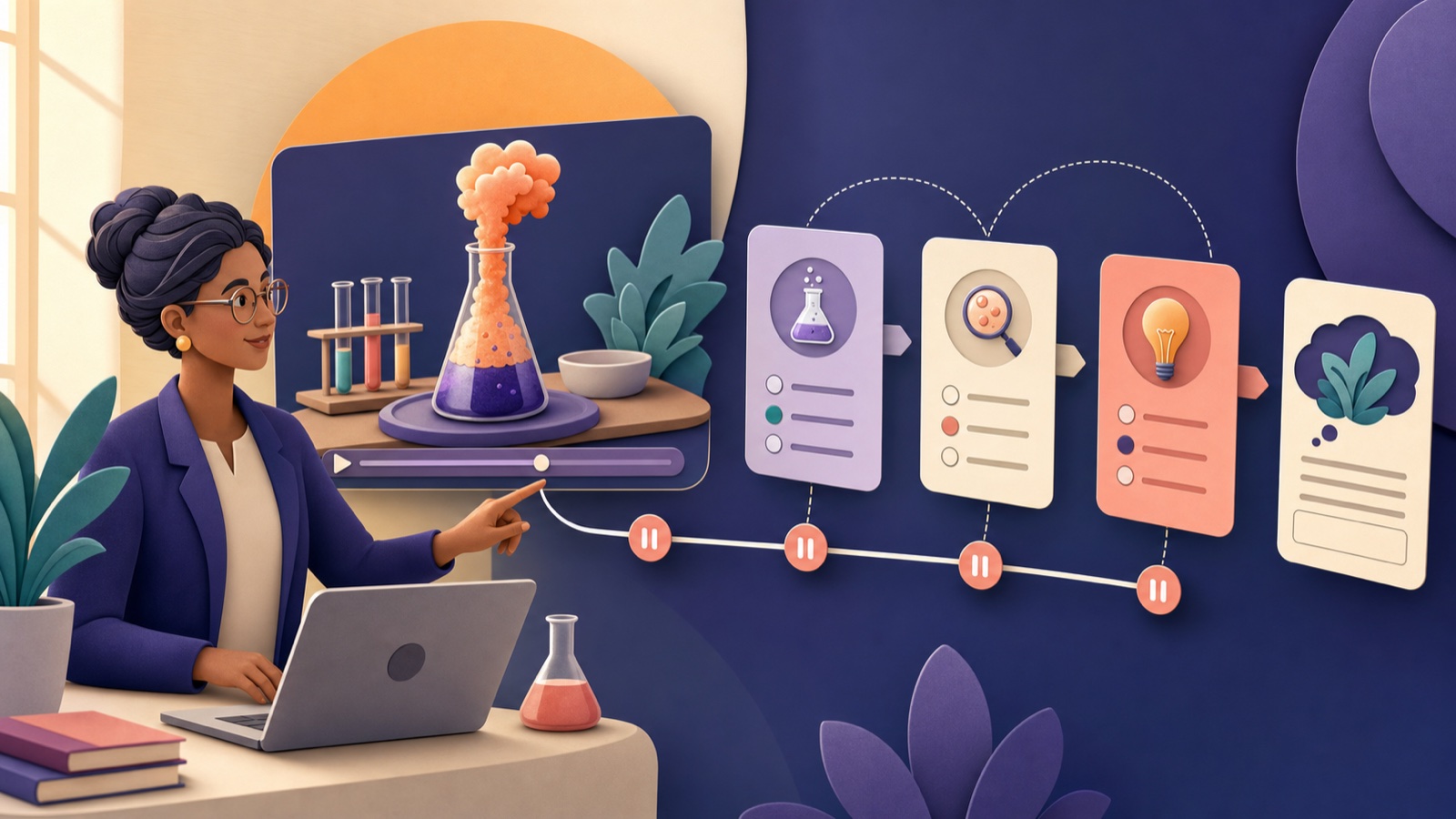
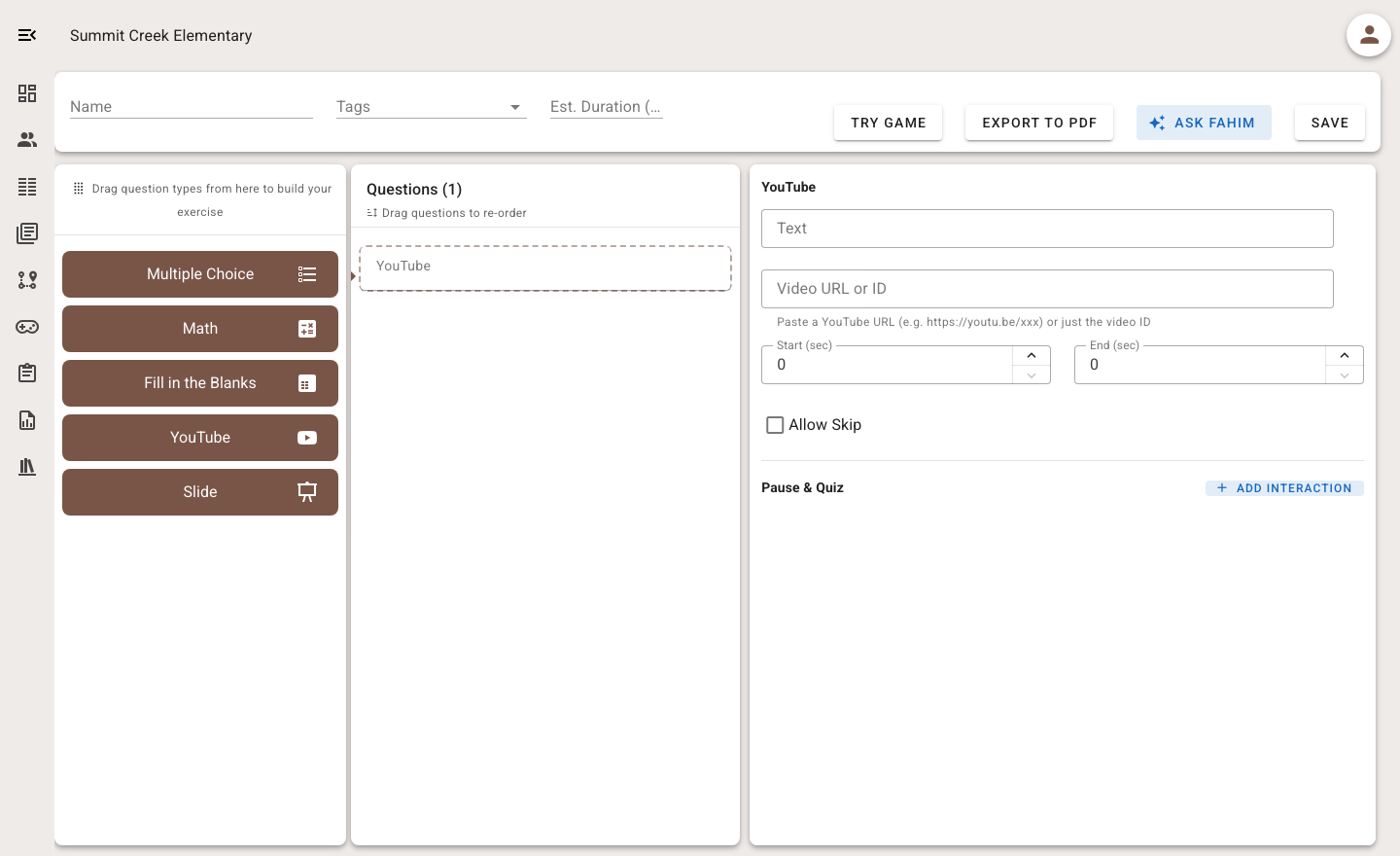
Adding questions to a video does not automatically make it interactive. The learning comes from where students pause, what they must notice or predict, and how the teacher uses their responses afterward.
Begin with a short, necessary segment
Choose the smallest segment that explains or demonstrates the target idea. Long videos increase working-memory demands and make it harder to locate evidence. Preview the full source for accuracy, advertising, captions, age suitability, and content that may change over time.
Map checkpoints to thinking
Place a checkpoint after a complete idea, before a revealing demonstration, or when two examples can be compared. Avoid pausing mid-sentence. Use prediction before an event, observation during a demonstration, explanation after it, and transfer at the end.
- Predict: What do you expect to happen, and why?
- Notice: Which detail supports the explanation?
- Explain: Describe the change in your own words.
- Transfer: What would change in a new example?
Keep the question load light
A two-minute clip may need only two or three questions. Too many pauses fragment the explanation and shift attention toward finishing. Mix one quick check with one question that asks students to explain, order, calculate, or connect evidence.
Design for access and control
Use accurate captions and a transcript where possible. Do not rely on audio, color, or tiny on-screen labels alone. Let students replay the relevant segment unless replay would invalidate the task, and explain clearly whether skipping is allowed.
Plan what happens after the final frame
Video responses are formative signals. Group common wrong answers, replay one decisive moment, invite students to justify a choice, or provide a short follow-up activity. Do not treat watching to the end as proof of understanding.
Teacher checklist
The segment is necessary and short; every pause follows a complete idea; every question has a purpose; captions and replay controls work; the video was reviewed recently; and the responses lead to a specific next teaching move.