Multiple choice is efficient, accessible, and often useful. It becomes limiting only when every objective is forced into it. A meaningful interaction makes learners perform a small version of the thinking the objective requires.
1. Sort examples into categories
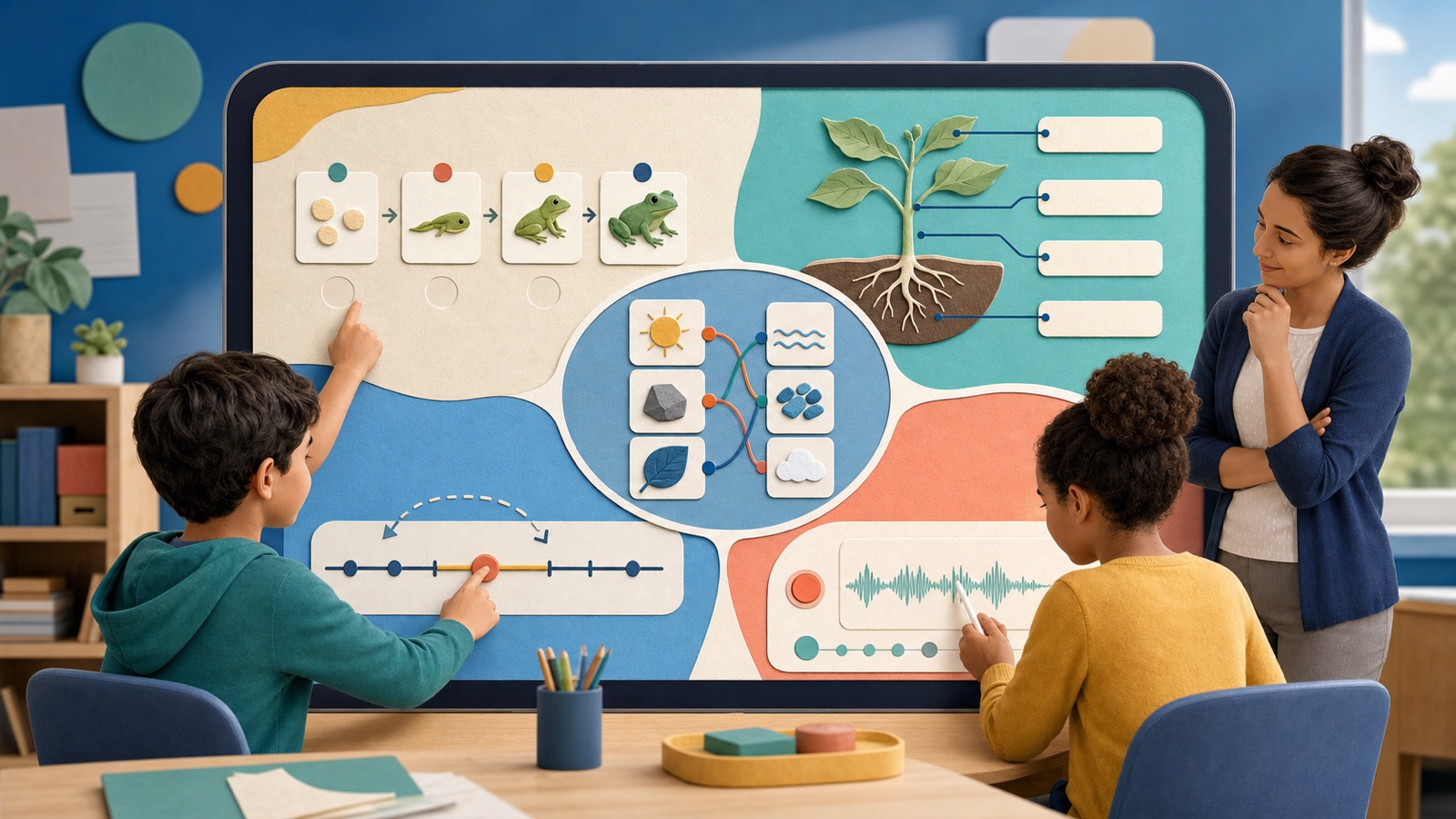
Sorting reveals whether learners can distinguish related ideas. Use categories with a defensible rule, include one or two boundary cases, and ask for a reason after a difficult placement. Provide keyboard controls or an equivalent menu instead of requiring drag alone.
2. Put a process in sequence
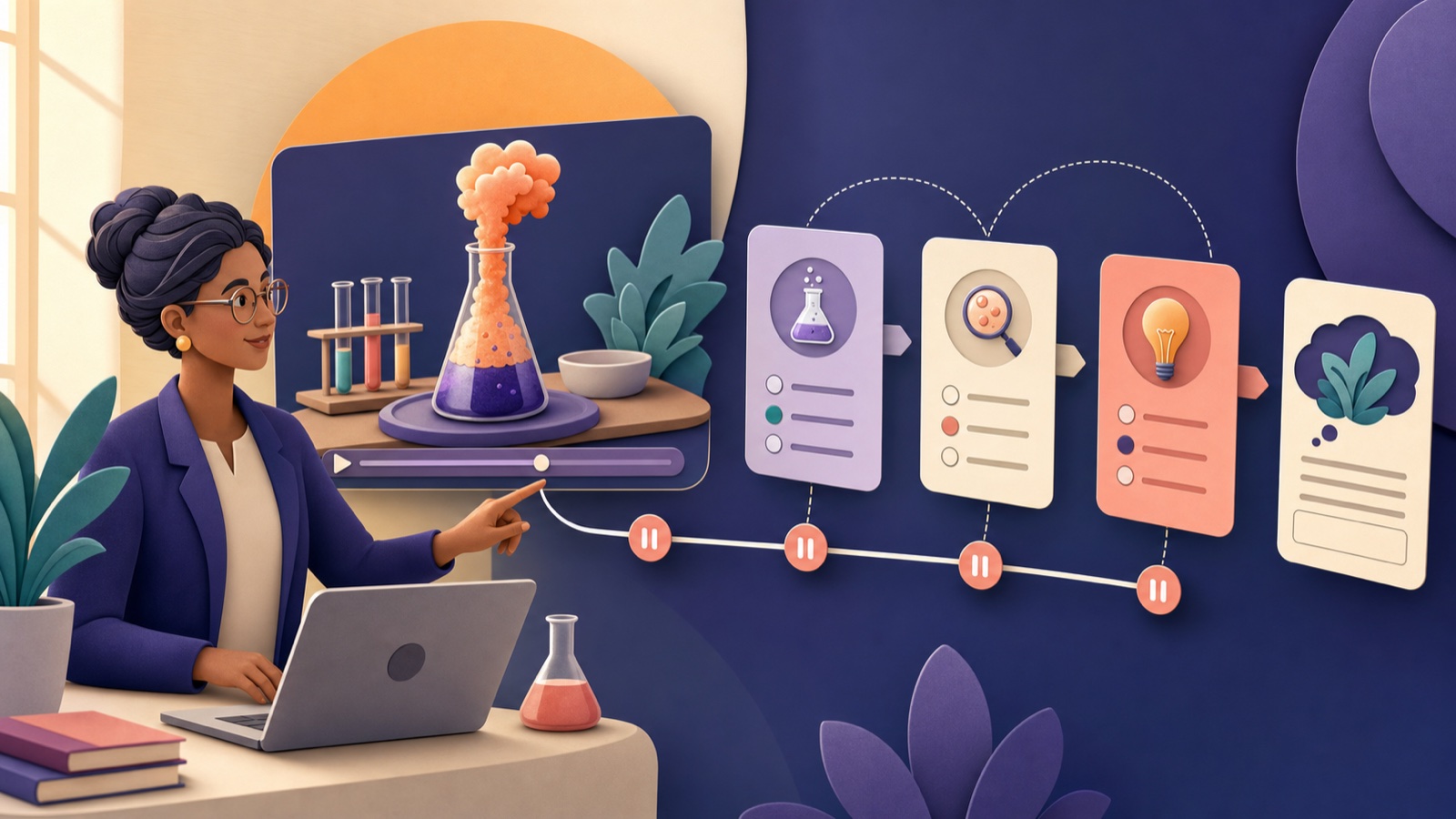
Sequencing works for narratives, procedures, history, algorithms, and scientific cycles. Keep the set short enough for working memory. Give feedback about the first broken relationship rather than marking the entire order wrong.
3. Label a meaningful visual
Connect terms to a diagram, map, graph, image, or model. Every target should remain clear when zoomed, and the image needs an alternative description. Use labeling when spatial relationships matter, not as decorative vocabulary recall.
4. Construct or manipulate
Learners can build a number line, balance an equation, assemble a sentence, adjust variables, or match evidence to a claim. Limit movable pieces, make changes reversible, and ensure the completed state exposes reasoning a teacher can interpret.
5. Explain, predict, or record
A short typed or spoken explanation reveals thinking that selection hides. Give a precise prompt and a small success criterion. Offer equivalent input options when speech, typing, language production, or the environment creates a barrier.
Choose mechanics after the objective
Name the action—distinguish, order, locate, model, justify—then select the closest interaction. Preview touch and keyboard use, include undo, avoid speed unless fluency matters, and collect only evidence you will review.
- One interaction should have one clear purpose.
- Feedback should explain the next useful step.
- A calm accessible alternative is part of the design.
- Novelty is not evidence of learning.