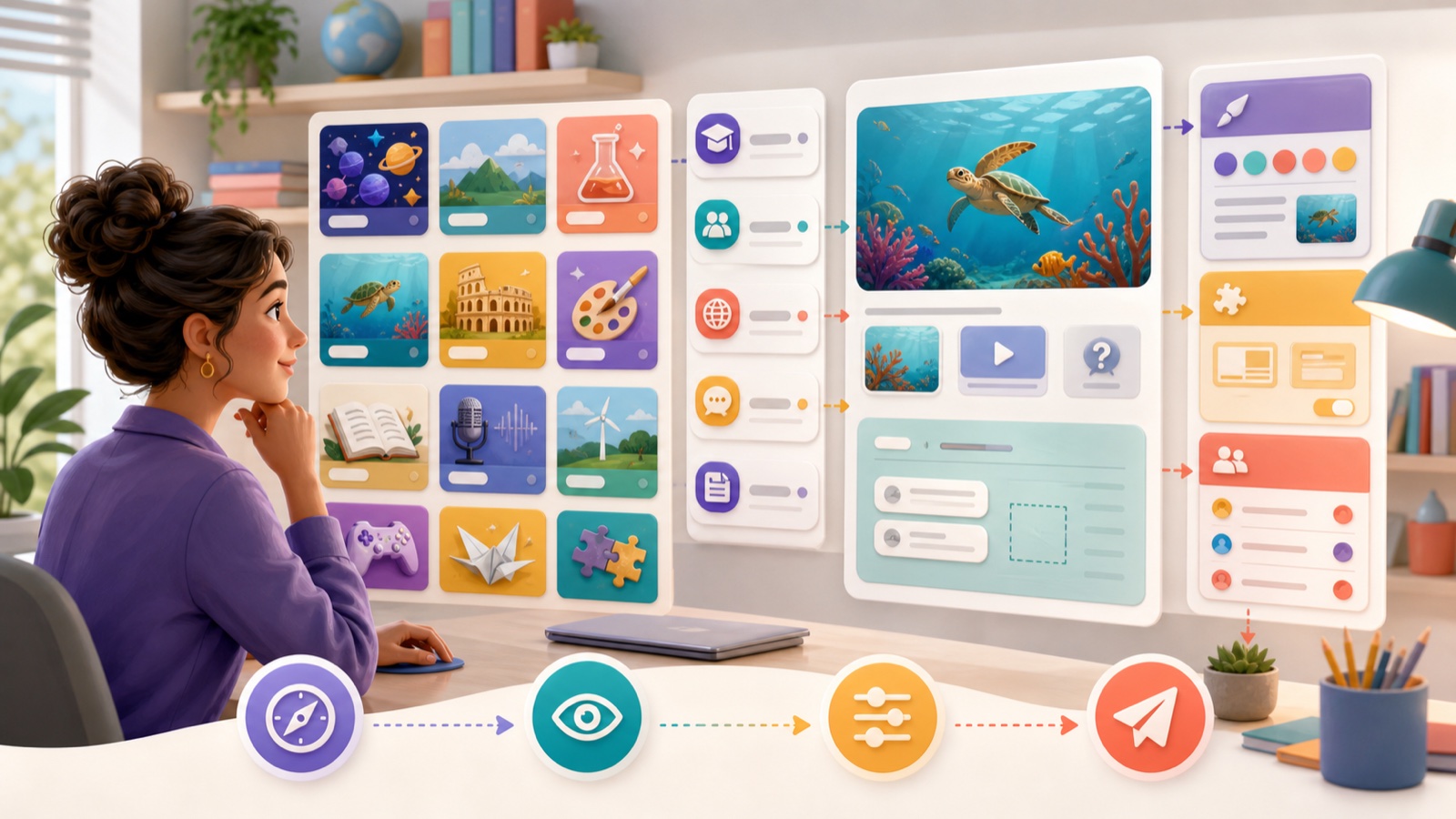
A public activity library can save preparation time, but “ready to use” should mean ready to review—not ready to trust blindly. The fastest reliable workflow begins with a precise need and ends with a student preview.
Search from the learning need
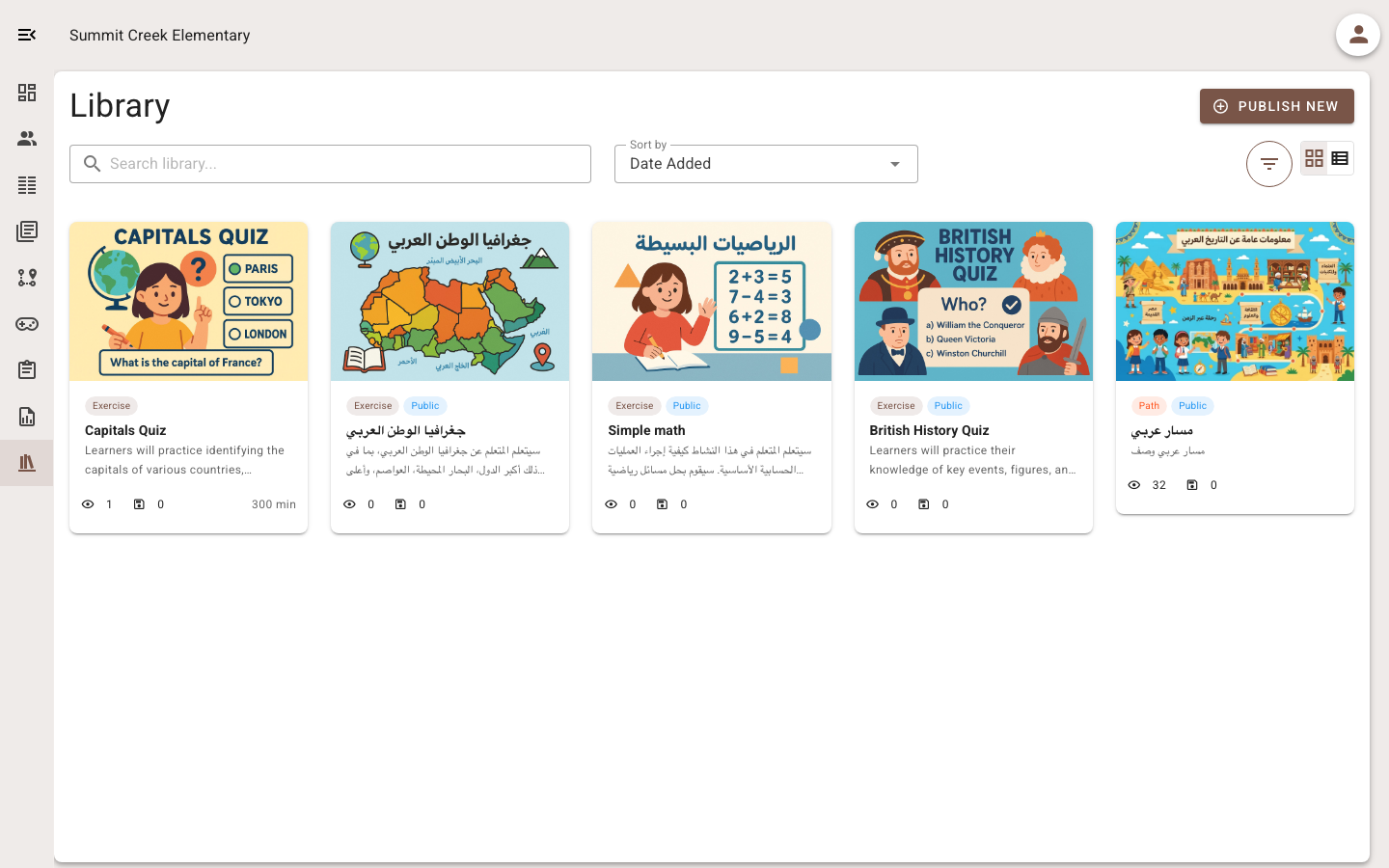
Start with subject, age, language, objective, and available time. Add a format only when it serves the need: video for observation, a game for retrieval, a learning path for sequence, or a printable activity when devices are limited. Broad searches create more review work.
Preview the complete student experience
Open every question, accepted answer, hint, explanation, image, and external link. Check the starting instructions and final feedback. If a game is available, play enough to understand timing, controls, readability, and whether mechanics distract from the content.
Use a quick quality screen
Verify accuracy and curriculum fit; look for ambiguity; assess reading load; check language and cultural context; and test accessibility. Review when the item was last updated if it depends on current facts. A polished thumbnail is not evidence of quality.
Choose copy, customize, or assign
Assign directly only when the activity already matches the class. Copy when you want an independent version. Customize when examples, language, feedback, sequence, or difficulty need adjustment. Preserve source attribution where the library or license requires it.
Organize what you keep
Use stable tags for subject, year, unit, skill, language, and format. Avoid personal tag variations that mean the same thing. Archive obsolete copies and name revisions clearly so colleagues do not assign an older version accidentally.
The seven-minute library workflow
Write the need; filter narrowly; shortlist two activities; preview questions and learner view; run the quality screen; adapt the strongest candidate; then assign to a small group or class. Review common errors afterward and update your saved version.
- Need before search.
- Student preview before assignment.
- Teacher review before trust.
- Evidence after use improves the library.