

A textbook page already contains a sequence: explanation, example, practice, and often a visual cue. The useful role of AI is not to replace that sequence, but to help a teacher extract it, question it, and rebuild it as a short activity students can actively complete.
Choose one page for one clear reason
Start with a page that teaches one concept well. A crowded chapter opener or a page with several unrelated objectives produces a confused activity. Write the outcome in observable language—for example, “Students will distinguish evaporation from condensation”—and decide what a correct response would demonstrate.
- Use a sharp, straight photo with the full page visible.
- Remove student names, handwriting, and personal information.
- Confirm that you have permission to use the source material.
Ask AI for a draft, not a finished lesson
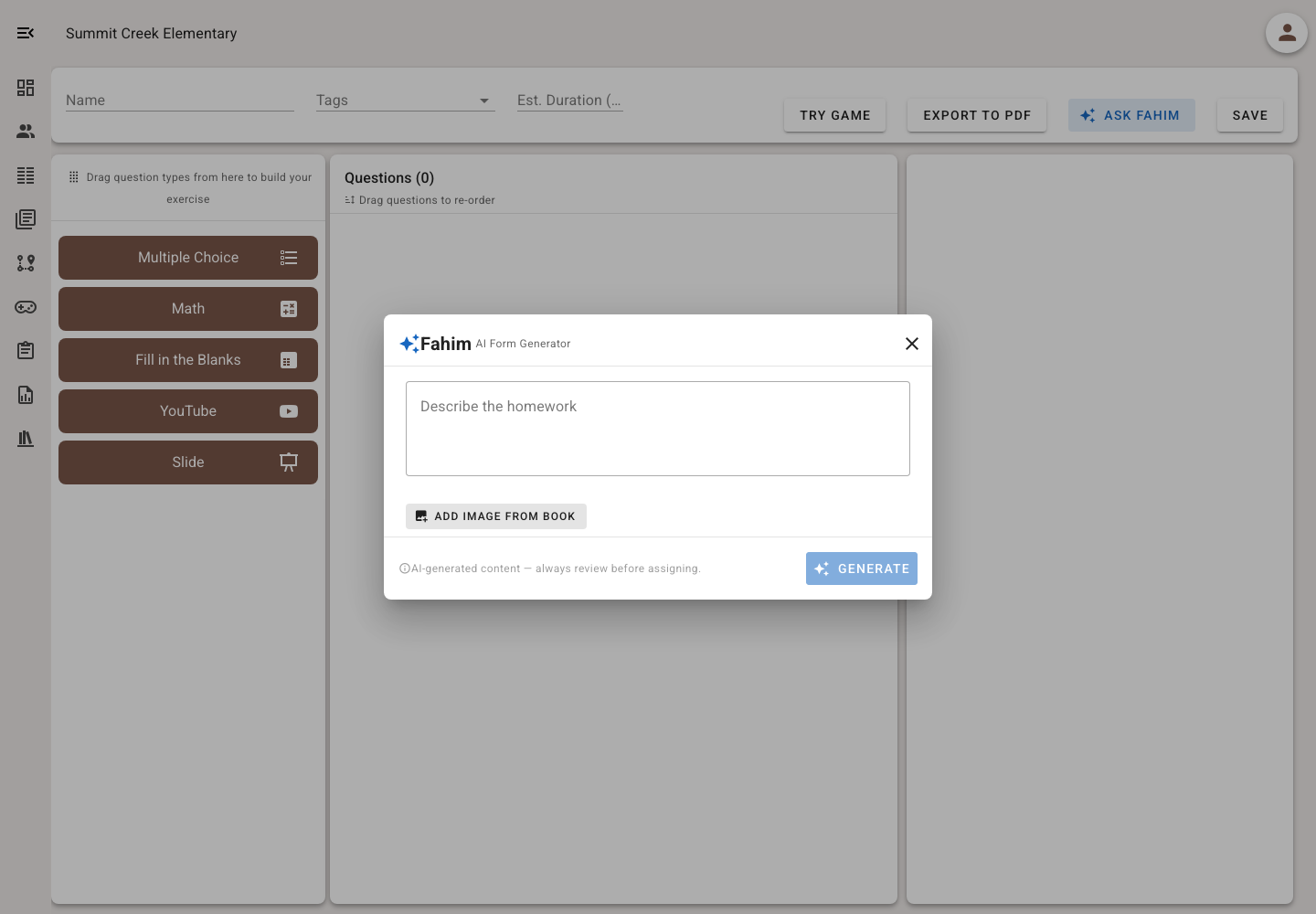
Upload the image and describe the age group, language, outcome, number of questions, and desired question types. Ask the generator to stay within the page rather than add outside facts. A strong prompt also requests plausible distractors, brief explanations, and a list of anything the image was too unclear to read.
Review every question like an editor
Optical character recognition can confuse labels, minus signs, fractions, and right-to-left text. Check each stem against the source page, solve every question yourself, and look for more than one defensible answer. Replace trick questions with evidence of the intended understanding.
- Accuracy: is the keyed answer unquestionably correct?
- Clarity: can a student understand the task without guessing the teacher’s intention?
- Fairness: does the question measure the goal rather than difficult wording?
- Accessibility: do images have useful alt text and does meaning survive without color?
Choose a game after the questions work
The game is the practice environment, not the objective. Use a calm form when students need careful reading, or a faster game for fluent recall and review. Preview the complete activity on a student-sized screen and make sure animation, time pressure, or competition does not hide the learning signal.
Use the first results to improve the activity
After a small pilot, inspect commonly missed questions and answer patterns. A low score may indicate a misconception, an ambiguous item, or a poor image—not simply weak learning. Revise one or two questions, then compare the next attempt with student work and classroom conversation.
A ten-minute teacher workflow
Photograph one focused page; state the outcome; generate a short draft; verify every answer; add feedback; preview as a student; assign to a small group; and revise from evidence. The time saving comes from faster drafting, while quality still comes from teacher judgment.